

 Download For Android
  Download For iOS
 The CasinoChan App isn’t your typical mobile app from a store — it’s smarter. CasinoChan Canada offers a Progressive Web App (PWA) for both Android and iOS users that installs directly from the website, along with a traditional Android app for those who prefer the classic route.
A PWA works like an app but runs through your browser, saving you from risky third-party downloads. Because Google and Apple restrict real-money casino apps, many players end up on unverified sites that promise “free casino apps” but spread malware instead.
The PWA solves that — it installs securely from the official casino website and gives you instant access to everything: CasinoChan live games, slots, bonuses, payments, and more.
It’s light, quick, and safe. No long downloads or updates needed. Once added to your home screen, it opens just like a normal app.
PWA for Apple: The CasinoChan iOS Shortcut
Apple users don’t need to bother with long downloads or complex setups anymore. Just follow a few simple steps to set up and get ready to play. The CasinoChan PWA works seamlessly across supported iPhones and iPads — and we’ll tell you which ones below.
How to Download and Install
First things first — here’s how to install the CasinoChan PWA on your Apple device:
- Open Safari on your iPhone or iPad and visit casinochan.com. If the site doesn’t automatically detect your location, switch to the Canada region manually.
- Tap the “Share” icon at the bottom of your screen.
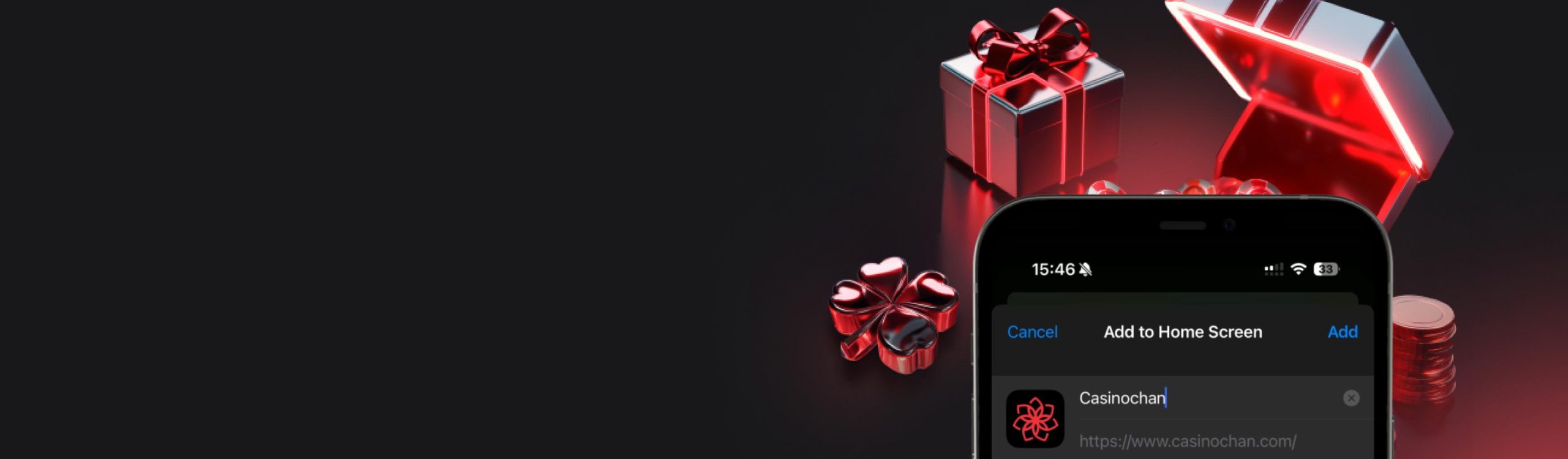
- Choose “Add to Home Screen” from the menu.
- Tap “Add”, and the CasinoChan icon will appear on your home screen.
System Requirements
The best part about the PWA is that it doesn’t need a high-end phone to run smoothly. As long as your device supports iOS 12 or higher with Safari version 12.0.1 and a stable Wi-Fi or 4G/5G connection, you’re good to go. The app icon on your home screen takes up barely 2 MB of space.
Compatible Devices
Our team tested the PWA on several Apple devices, and these are the ones we’d recommend for smooth, flawless performance:
- iPhone 11 and later.
- iPad Air, iPad Mini, and iPad Pro – 5th Gen or higher.
How to Download CasinoChan App for Android
Android users have a choice. And if you ask us, the PWA version is the better pick. There’s no installation, no updates, and no worries about files being incompatible or infected with viruses.
That said, both the CasinoChan APK and PWA versions come with bank-grade security. They use SSL encryption and two-factor authentication (2FA) via SMS or email to keep your account safe and your logins secure.
How to Download and Install
The process to install the CasinoChan Android versions — both APK and PWA — is almost the same. The only difference comes at step four, so whichever one you prefer, make sure to read that part carefully in the steps below.
- Open Chrome (or any browser) on your phone.
- Visit casinochan.com and select the Canada region if it doesn’t auto-detect.
- Tap the menu icon (three dots) and choose “Add to Home Screen”.
- Here, you’ll see two options:
- Create Shortcut – this adds the PWA to your home screen.
- CasinoChan Download – this downloads the APK file.
If you choose the PWA, you don’t need to do anything else — the CasinoChan icon will automatically appear on your home screen.
If you choose the APK, the file will start downloading. Once it’s done, open it, enable Install from Unknown Sources, and let the installation complete. After that, open the app, create your account (or log in), and start playing.
Remember! Only download from the official CasinoChan site. Real-money gaming apps are banned on Google Play, so many fake APKs online are laced with viruses or phishing malware. Avoid them — if it’s not from CasinoChan directly, don’t install it.
System Requirements
Make sure your device is running Android 10.0 or higher, with the latest version of Chrome, Firefox, Opera, Avast or any other native browser installed. You’ll also need a stable broadband or mobile data connection.
For the APK download specifically, your device should have at least 2 GB of RAM and 150 MB of free storage space to install and run smoothly.
Compatible Devices
Both the PWA and APK work identically in terms of performance on the following devices:
- Samsung Galaxy A and S series.
- Google Pixel series.
- OnePlus 8 and later.
- Xiaomi, Vivo, and Oppo models.
- Android tablets running Android 10 or newer.
Mobile Casino Games
All your favourite titles are fully optimized for mobile play. The CasinoChan App and mobile website give you access to over 13,000 games — from slots like Sweet Bonanza, Wolf Gold, and Gates of Olympus to bingo, keno, scratch, and live table versions of Roulette, Blackjack, Baccarat, and Poker.
Games load fast and run smoothly thanks to advanced optimization from providers like Pragmatic Play, Playtech, and Winfinity. Each title adjusts to your screen automatically, and live tables are broadcast in HD.
You can also claim all CasinoChan Promotions on mobile — welcome bonuses, reloads, free spins, and cashback deals. Your account balance, history, and rewards are fully synced across desktop and mobile, so you never miss a thing.
What if You Don’t Install or Download Anything at All?
Your experience stays pretty much the same. The only real difference is convenience. On the mobile site, you’ll need to log in each time you want to play, while with the PWA or the app, you stay logged in — just tap and play.
Once you’re inside the casino, everything looks and works exactly like the app. You get a fully responsive layout, all the same features, bonuses, and full security.
Deposits, withdrawals, and gameplay all run smoothly, and you can even reach CasinoChan Support directly from your browser. It’s a great option if you’d rather test the casino first before installing anything on your device.
Frequently Asked Questions
-
A PWA (Progressive Web App) works like a native app by mirroring the official website. It’s safe, lightweight, and requires no updates. Since it’s a mirror of the CasinoChan site, you avoid the risk of fake or harmful downloads.
-
Functionally, no. The APK is a traditional installable app, while the PWA runs through your browser. Both give the same speed, design, and access to all games.